


P/N:DECO M4(2-PACK) | EAN:1210002612357 | CHECKSUM: C
2
What to do if I fail to configure the main Deco and get stuck on “We couldn't find Deco”?
How to Set up the TP-Link Deco M4 Mesh Wi-Fi System
What should I do if I fail to configure the satellite Deco, get stuck on the step Looking for Deco
How to Configure a Deco System with Starlink
How to Resolve Double NAT using Starlink
What to do if I fail to configure the main Deco and get stuck on “Testing Internet Connection"
Warranty: 1 year
Excl VAT. € 72.8
In stock: 0 ETA: 0000-00-00Weight: 1.51 kg
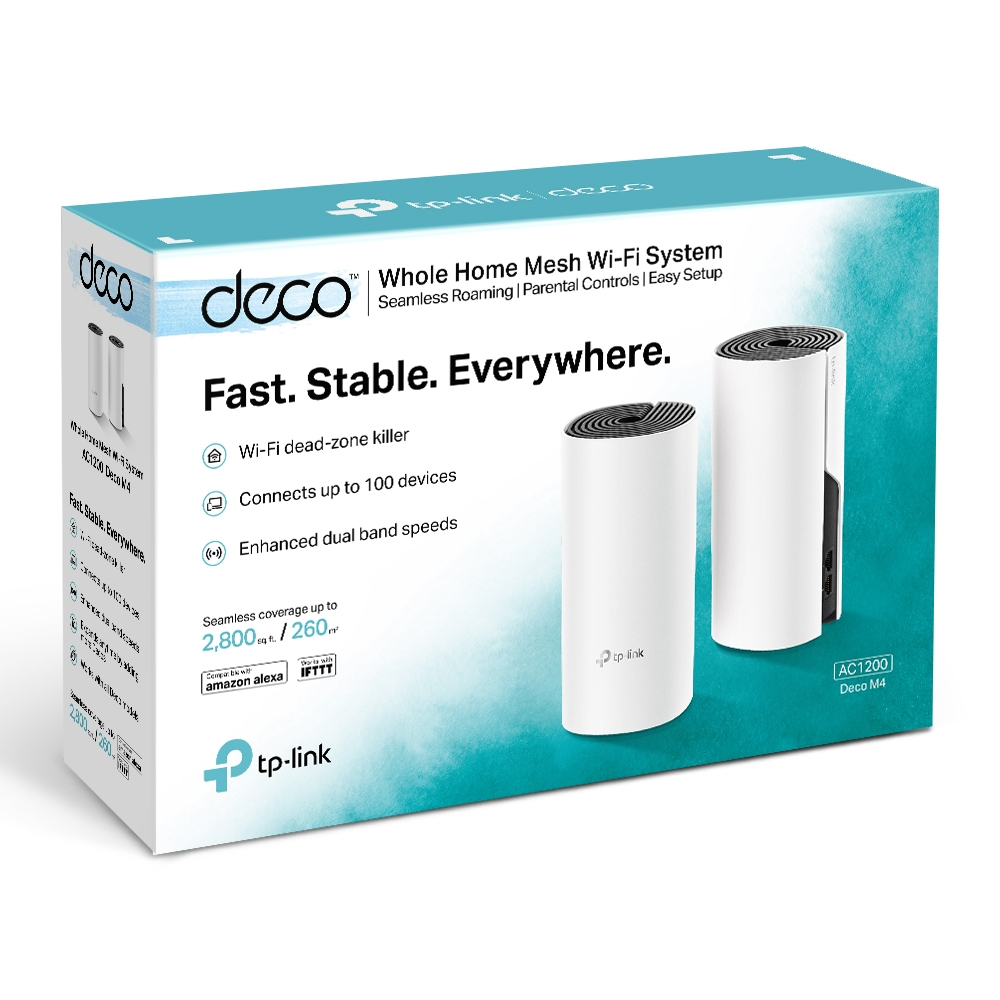
Fast. Stable. Everywhere.
Whole Home Mesh Wi-Fi System AC1200 Dual-Band Wi-Fi
Experience Wi-Fi Like Never Before
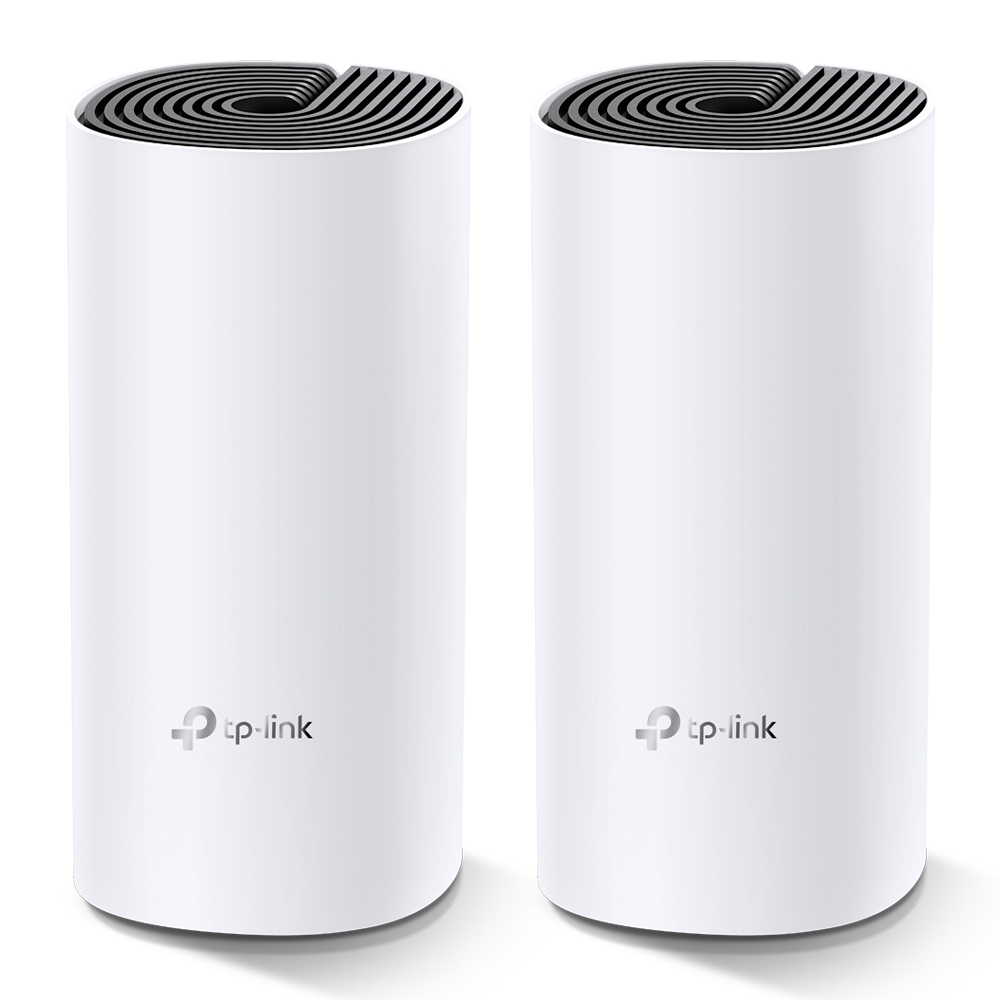
Deco M4 uses TP-Link Mesh technology to cover your entire home in powerful Wi-Fi. Multiple units seamlessly work together to create a home network like nothing you’ve ever experienced.
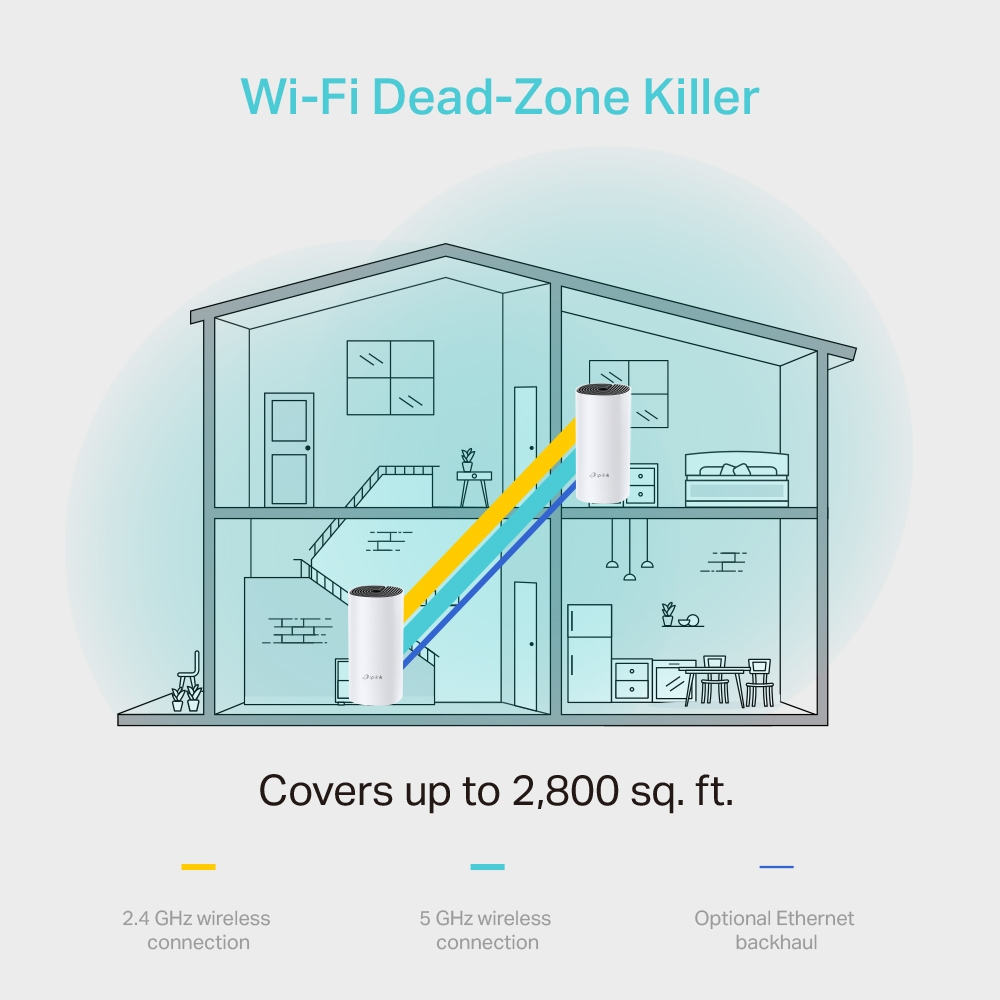
Wi-Fi Dead-Zone Killer
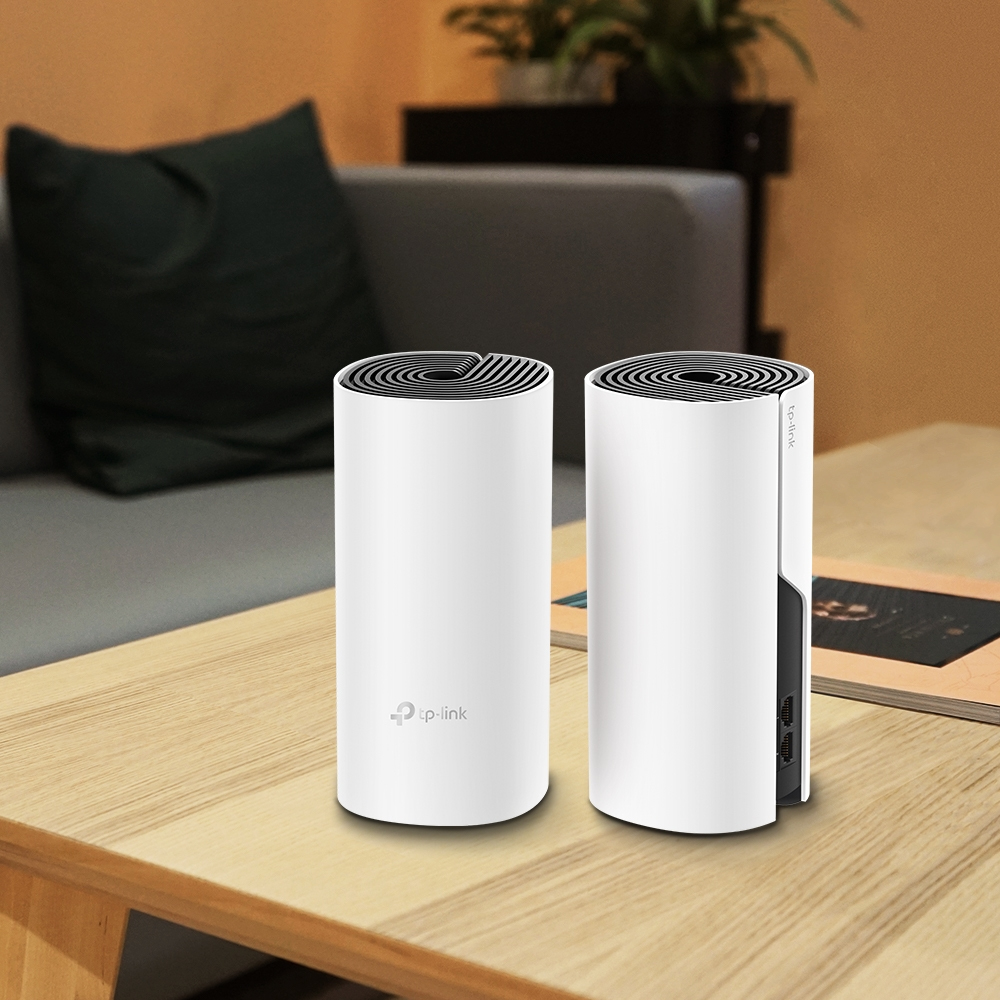
Deco M4 is the simplest way to guarantee a strong Wi-Fi signal in every corner of your home up to 2,800 square feet (2-pack). Wireless connections and optional Ethernet backhaul work together to link Deco units, providing even faster network speeds and truly seamless coverage.
Want more coverage? Simply add another Deco.
Seamless Roaming with One Wi-Fi Name
TP-Link Mesh means Deco units work together to form one unified network. Your phone or tablet automatically connects to the fastest Deco as you move through your home, creating a truly seamless Wi-Fi experience.
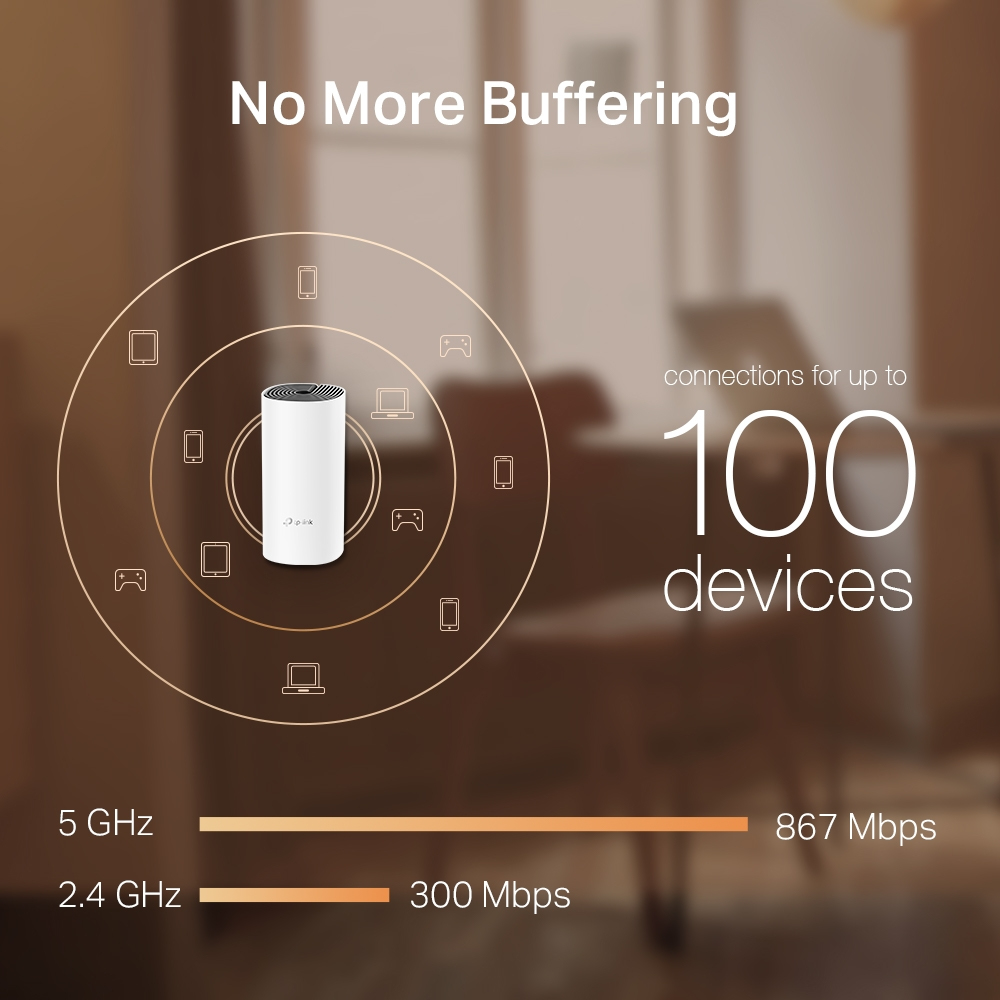
No More Buffering
Network speeds three times faster than previous generation routers, thanks to 802.11ac wireless technology, make Deco capable of providing a lag-free connection to up to 100 devices.
Multiple 3-in-1 Router, Access Point and Range Extender Modes
Flexible and multifunctional, the Deco M4 includes a variety of features allowing it to serve as a router, access point or range extender. Just choose the mode for your actual network demands and experience the maximum wireless flexibility.
Wi-Fi Made Easy
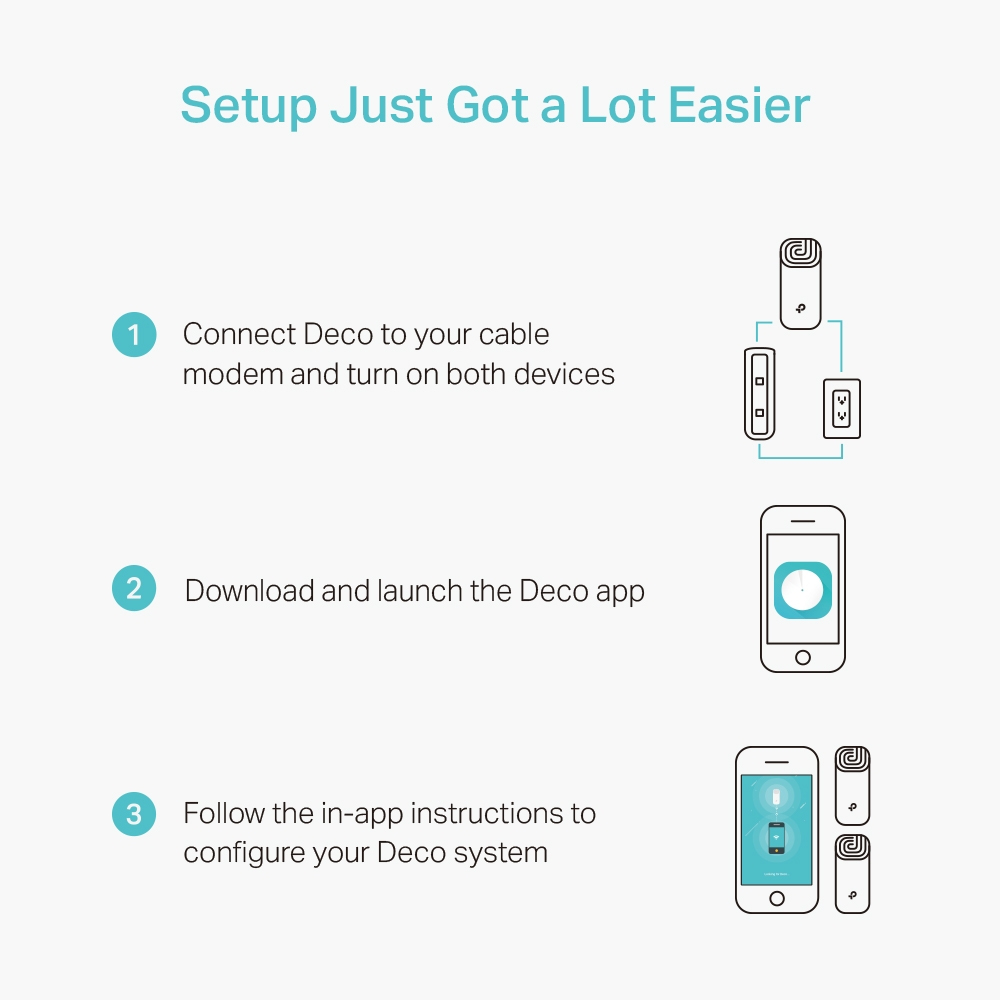
App-Based Setup
Installing Deco M4 is fast and easy. Just unpack the system, download the Deco app and follow its onscreen directions.
Easy Management
Manage your Wi-Fi at home or away in the Deco app, including seeing the connected devices, prioritizing your devices, setting up a guest network and more.
Voice Control
Pair with Alexa to control Deco M4 with simple voice commands. Enjoy the convenient life.
Robust Parental Controls
Simple, intuitive parental controls make it easy to keep your children safe while they’re online.
User Profiles
Easily create a profile for each family member and set custom time limits and online time allowances.
Filter Levels
Keep your family safe online with one-touch security settings that block websites based on age-appropriateness.
Time Limits
Set limits on how much time each person in your family can spend online.
Insights
Check out which sites your children visit and how much time they spend on each to ensure your children are safe while they’re having fun online.
Suspend Connectivity
Take a break from Wi-Fi for dinner and family game nights. Just tap a button to suspend internet access for everyone in your home.
All Decos Can Work Together
Deco M4 is compatible with every other Deco model to form a Mesh network. Expand Mesh Wi-Fi coverage anytime by simply adding more Decos.
| Certificates |
| Certification: FCC, IC, NCC, BSMI, IDA, RCM, JPA, JRF, VCCI, KC |
| Compliance certificates: RoHS, CE |
| Design |
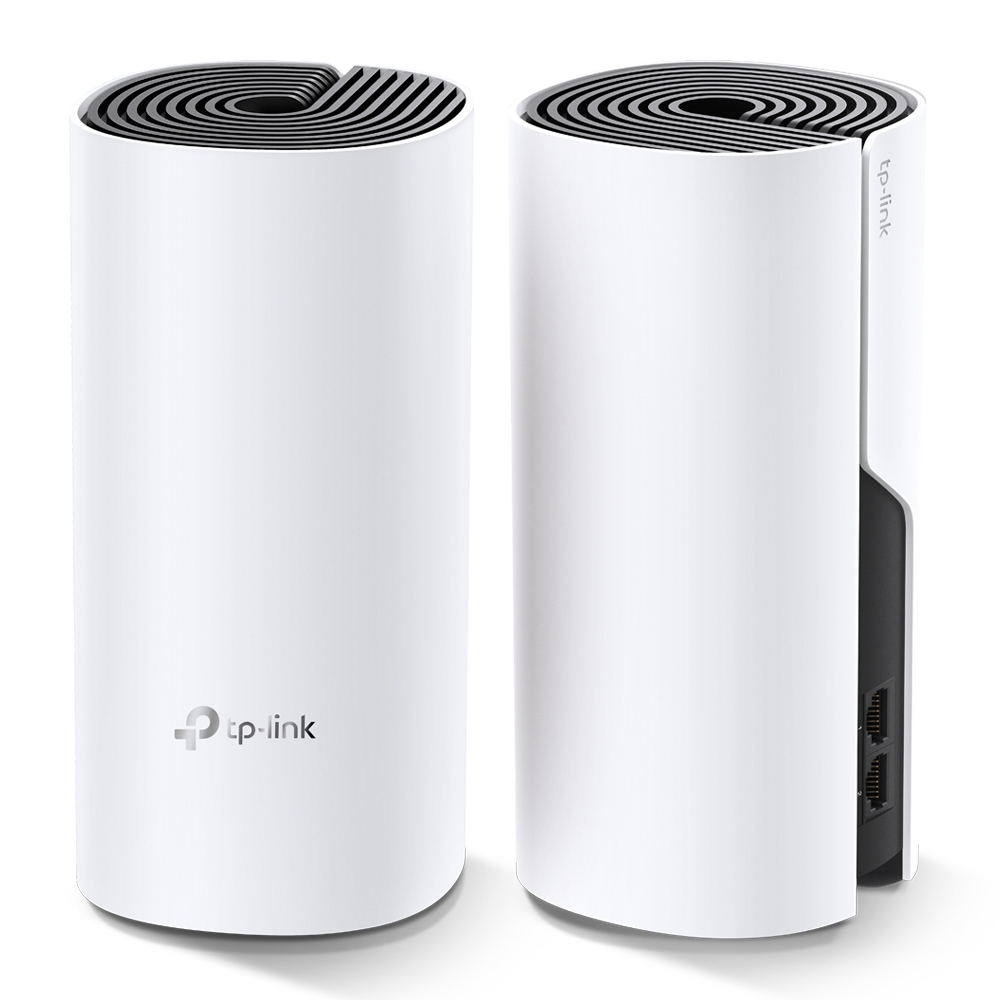
| Antenna type: Internal |
| Antennas quantity: 2 |
| LED indicators: Power, Status |
| Product colour: White |
| Product type: Mesh system |
| Reset button: |
| Features |
| BeamForming: |
| DHCP client: |
| DHCP server: |
| Firewall security: SPI |
| Mobile operating systems supported: Android 4.4, Android 5.0, Android 5.1, Android 6.0, Android 7.0, Android 7.1, Android 7.1.2, Android 8.0, Android 9.0, iOS 10.0, iOS 11.0, iOS 11.4, iOS 12, iOS 13, iOS 9.0, iOS 9.1, iOS 9.2, iOS 9.3 |
| Parental control: |
| Port forwarding: |
| Quality of Service (QoS) support: |
| Operational conditions |
| Operating relative humidity (H-H): 10 - 90% |
| Operating temperature (T-T): 0 - 40 °C |
| Storage relative humidity (H-H): 5 - 90% |
| Storage temperature (T-T): -40 - 70 °C |
| Packaging content |
| AC adapter included: |
| Ethernet cable: |
| Number of products included: 2 pc(s) |
| Number of units included: 2 pc(s) |
| Packaging data |
| Package depth: 105 mm |
| Package height: 241 mm |
| Package weight: 1.51 kg |
| Package width: 365 mm |
| Ports & interfaces |
| DC-in jack: |
| Ethernet LAN (RJ-45) ports: 2 |
| Power |
| AC adapter output current: 1.2 A |
| AC adapter output voltage: 12 V |
| AC input frequency: 50 - 60 Hz |
| AC input voltage: 100 - 240 V |
| Sustainability |
| Sustainability compliance: |
| Weight & dimensions |
| DepthThe distance from the front to the back of something.: 90.7 mm |
| HeightThe measurement of the product from head to foot or from base to top.: 190 mm |
| WeightWeight of the product without packaging (net weight). If possible, the net weight is given including standard accessories and supplies. Please note that sometimes the manufacturer leaves out the weight of accessories and/or supplies.: 730 g |
| WidthThe measurement or extent of something from side to side.: 90.7 mm |
| Wireless LAN features |
| Dynamic DNS (DDNS): |
| Dynamic IP: |
| Guest access: |
| Number of guest networks (2.4 GHz): 1 |
| Number of guest networks (5 GHz): 1 |
| Security algorithms: WPA-PSK, WPA2-PSK |
| Static IP: |
| Top Wi-Fi standard: Wi-Fi 5 (802.11ac) |
| Wi-Fi band: Dual-band (2.4 GHz / 5 GHz) |
| Wi-Fi standards: 802.11a, 802.11b, 802.11g, Wi-Fi 4 (802.11n), Wi-Fi 5 (802.11ac) |
| WLAN data transfer rate (first band): 300 Mbit/s |
| WLAN data transfer rate (max): 1167 Mbit/s |
| WLAN data transfer rate (second band): 867 Mbit/s |
 Belgium