Reasons to buy:
M6. M5 Pro. M5 Max. One big, powerful family.
The M6 chip joins M5 Pro and M5 Max to create our most advanced lineup of chips ever built for a pro laptop. With a 12-core CPU, 12-core GPU, and our first-ever Dual 16-core Neural Engine, M6 brings next-generation speed and advanced on-device AI. All three chips deliver phenomenal single- and multithreaded CPU performance and faster unified memory. And with superfast storage, your exports, renders, and AI workflows just fly.
Up to 13x faster AI performance than M1
A powerful Neural Accelerator is built into each GPU core of all three chips, which dramatically speeds up AI tasks like image generation, large language model (LLM) prompt processing, and on-device model training. The Neural Engine drives Apple Intelligence features, making on-device AI powerful and energy efficient.
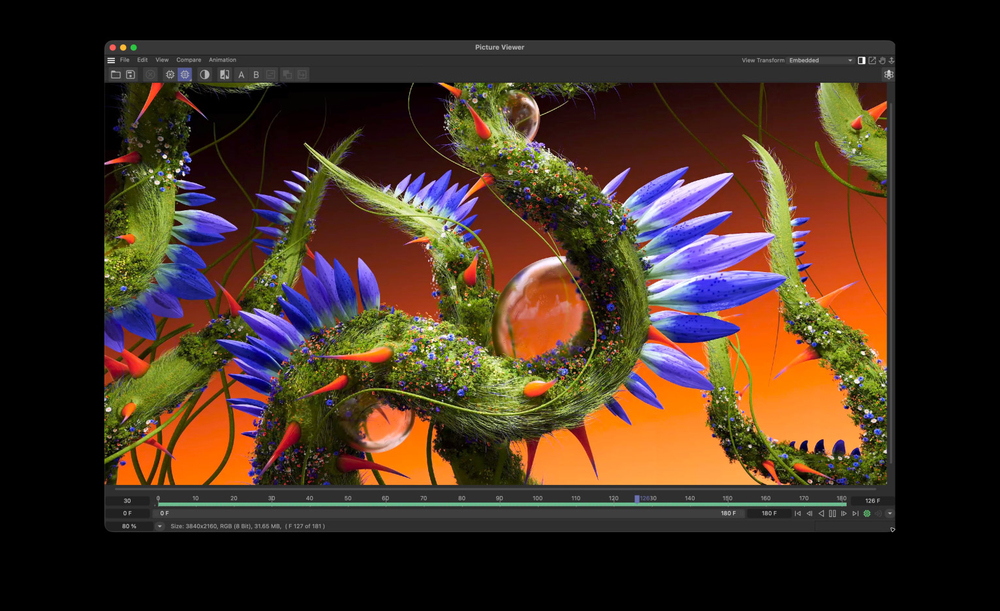
Run graphics-intensive workflows with responsiveness that keeps up with your imagination. Each chip features a GPU with enhanced shader cores and a third-generation ray‑tracing engine, so 3D modeling is crisper and clearer than ever. And Dynamic Caching optimizes on-chip memory to significantly increase GPU utilization — providing a performance boost for apps like Blender, Unity Editor, and AAA games.
Three chips. Second to none.
M6 brings next-generation speed and powerful on-device AI to college students, business users, and aspiring creators.
Available in 14”
Up to 13x faster than M1
Three chips. Second to none.
M5 Pro delivers even more power for scientists, engineers, software developers, and creative pros tackling intensive projects.
Available in 14” and 16”
Up to 10.9x faster than M1 Pro
Three chips. Second to none.
Our most powerful chip ever built for a pro laptop. M5 Max is perfect for 3D VFX artists, AI developers, and film composers.
Available in 14” and 16”
Up to 11.6x faster than M1 Max
Your personal think tank.
Apple silicon, and every major subsystem that powers it, is designed for AI — creating a platform that comprehensively unites hardware, software, and ecosystem. So you can run demanding on-device AI workloads with incredible power efficiency. And as always, security and privacy are designed in, not just bolted on.
Use AI to streamline workflows, create agents, manage inventory, or analyze code. Locally run advanced AI apps like Draw Things for image generation, Msty Studio and LM Studio for running LLMs, and Topaz Video for video enhancement. And with AI built into the apps you already use, like Logic Pro and Adobe Photoshop, you can split audio into stems or make complex image modifications in seconds.
Apple Intelligence and Siri AI. More personal. More powerful.
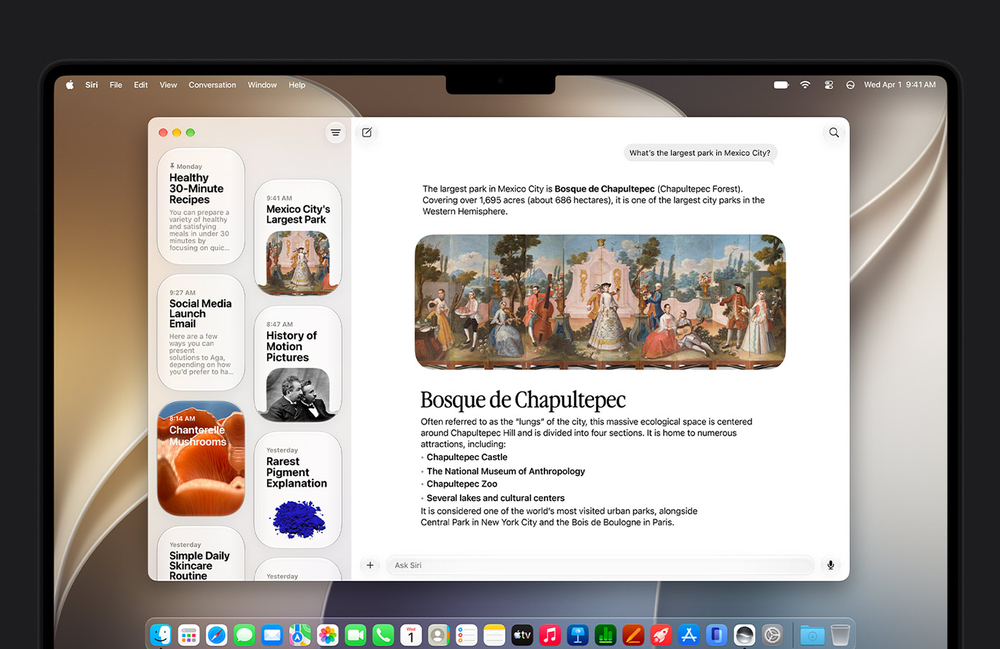
The next generation of Apple Intelligence is centered around you, integrated into your apps, and built with privacy. Apple Intelligence powers Siri AI — an entirely new version of Siri that’s more personal, conversational, and powerful, along with helpful features across apps.
Siri AI on Mac. A dedicated Siri app brings together all your conversations in one place, so you can ask a question on your Mac and continue on your iPhone. Pin conversations for easy access or start a new one. You can also click a file, some text, or even an image and Siri can tell you about it.
Do more in more apps. Siri AI can take actions in apps like Messages, Music, Reminders, and more based on what you’re doing in the moment. Quickly edit a message you just sent or add a song from a show you’re watching to your workout playlist.
Safari works smarter for you. Safari Notify Me monitors pages for changes — such as software releases — and alerts you when it’s time to act.
Describe a shortcut. Automate daily tasks with a simple description. Just describe what you need and Shortcuts connects actions across multiple apps to get it done.
All-day battery life. Think outside the outlet.
MacBook Pro has the longest battery life ever in a Mac — up to 24 hours — so you can work, create, and play all day. All models provide the same great performance whether they’re plugged in or on battery. Spend more time coding, learning, streaming, or thinking about an outlet for your passion, not your laptop. And when you need to power up, fast charge gets you up to 50% in just 30 minutes.
Your apps run in a snap.
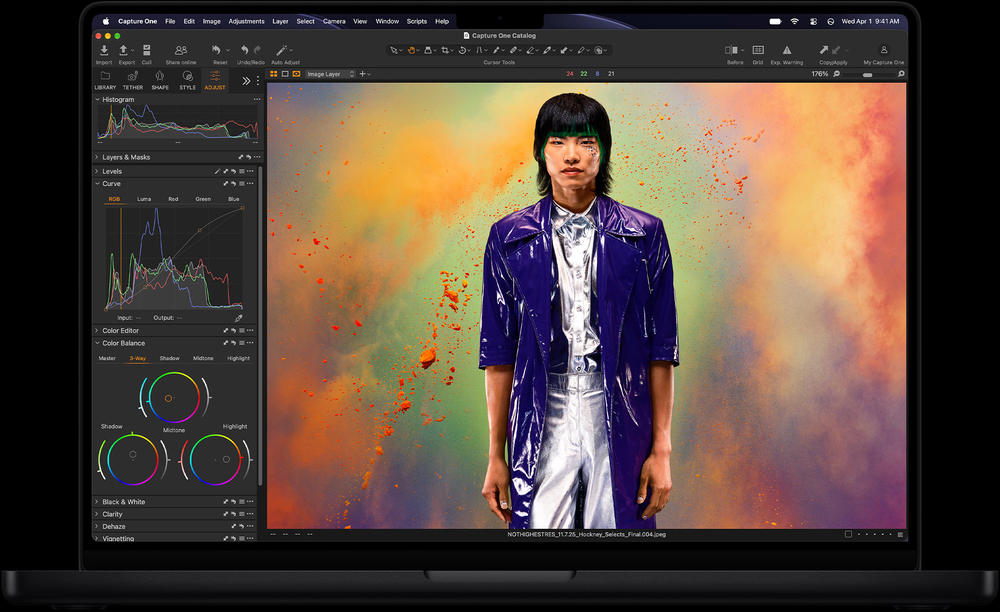
Tens of thousands of apps are optimized for Apple silicon — from your go-to productivity apps to your favorite games and hardest-working pro apps. And with MacBook Pro, they soar.
Handle large image files, no sweat. Edit and retouch photos whether in the studio or on location with apps like Adobe Lightroom, Adobe Photoshop, Capture One, Pixelmator Pro, Topaz Photo, DxO PhotoLab 10, and more.
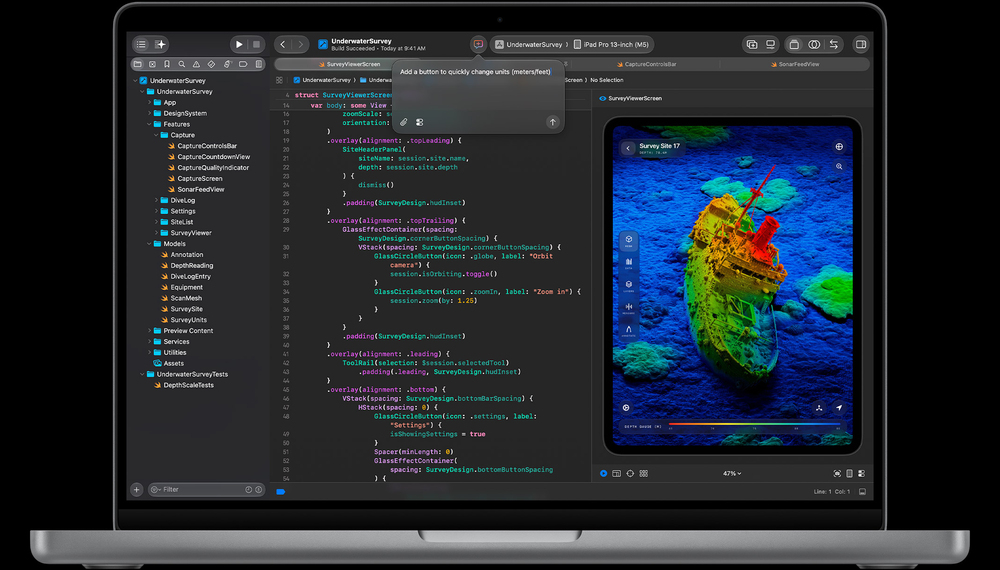
Get with the program. Run virtual machines and develop code across the stack. Save time with predictive code completion in Xcode and work with developer tools like Unity Editor, Create ML, TensorFlow, PyTorch, NAG Fortran Compiler, Docker, IntelliJ IDEA, and more.
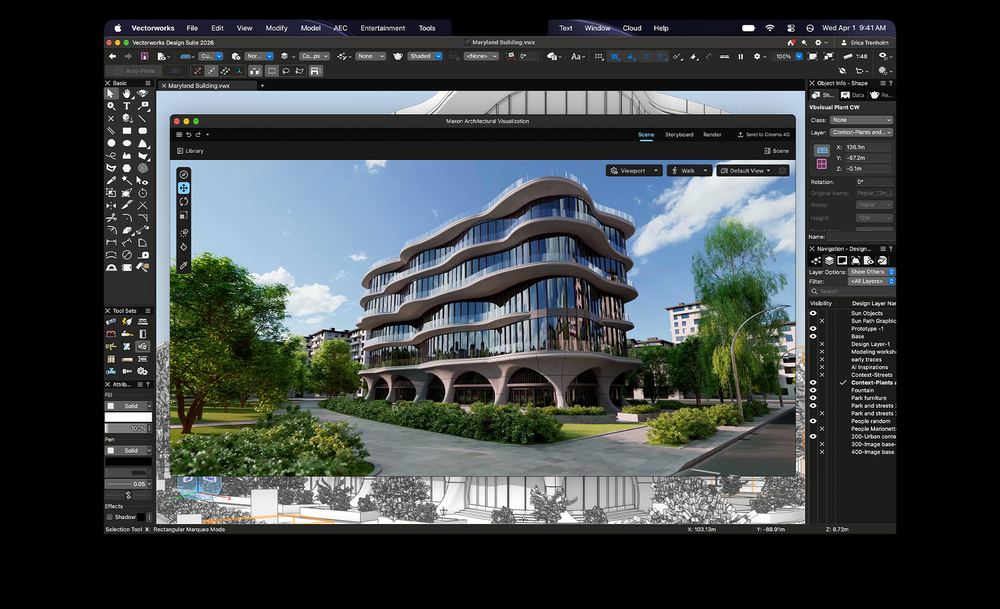
Make Mac your lab partner. Run complex simulations or DNA sequencing or analyze large datasets in any STEM environment. Use tools like MATLAB, NASA TetrUSS, Oxford Nanopore MinKNOW, Falcon MD, Shapr3D, SurgicalAR, Vectorworks, Archicad, and more.
Multitask like a boss. Create documents and presentations and collaborate across apps and video conferences — and do it all at once. Keep business moving with Microsoft 365, Claude, Slack, Zoom, Figma, Keynote, and more.
Find your type. Take on illustrations, font creation, visual editing, interactive design, and motion graphics with ease. Whatever your style, create with Adobe InDesign, Sketch, Linearity Curve, Adobe Illustrator, Figma, and more.
Bring your imagination to life. Build intricate texturing in 3D artwork, create complex animations, and render high-resolution scenes. Shape your ideas with tools like Blender, Maxon Cinema 4D, Maxon Redshift, Autodesk Maya, Adobe Substance Painter, Houdini, and more.
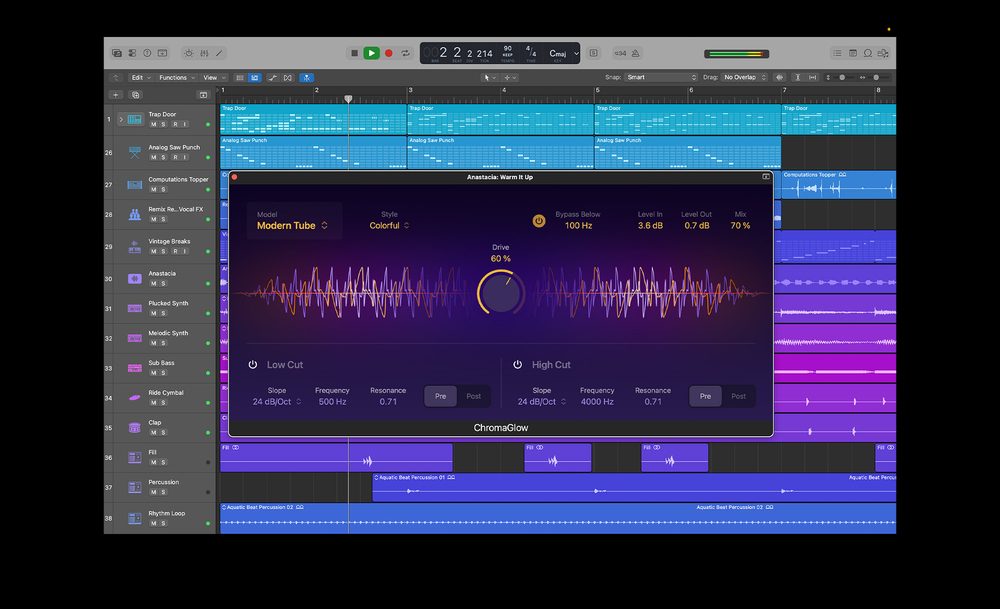
Produce the whole album. Compose, record, and mix across thousands of tracks with hundreds of plug-ins in real time. Make it all happen with Logic Pro, Avid Pro Tools, Ableton Live, Cubase, Adobe Audition, FL Studio, MainStage, and more.
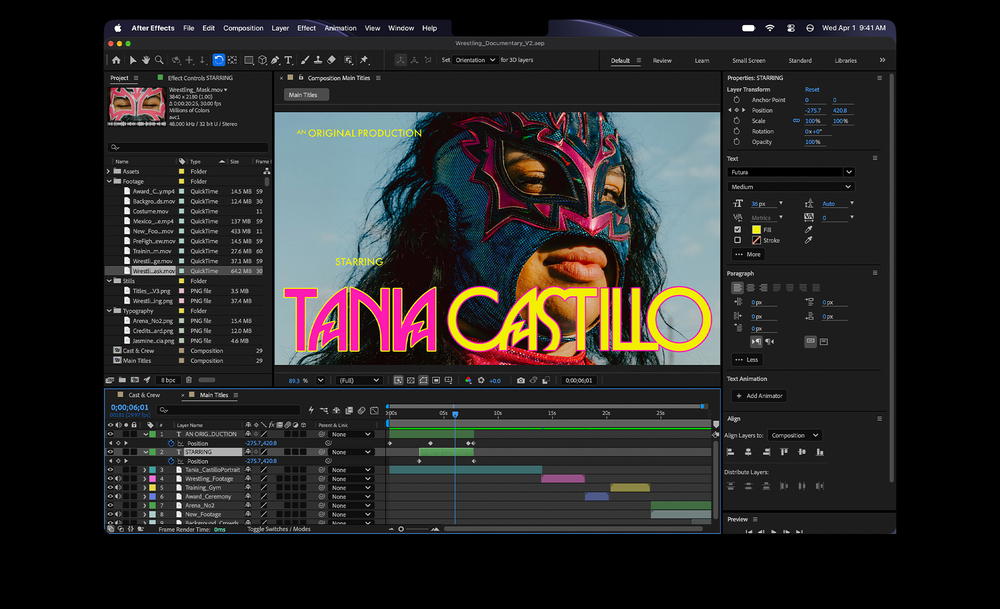
Cut to the chase. Fly through 4K and 8K footage and tackle motion graphics and compositing with superfast render times. Create
Let there be delight.
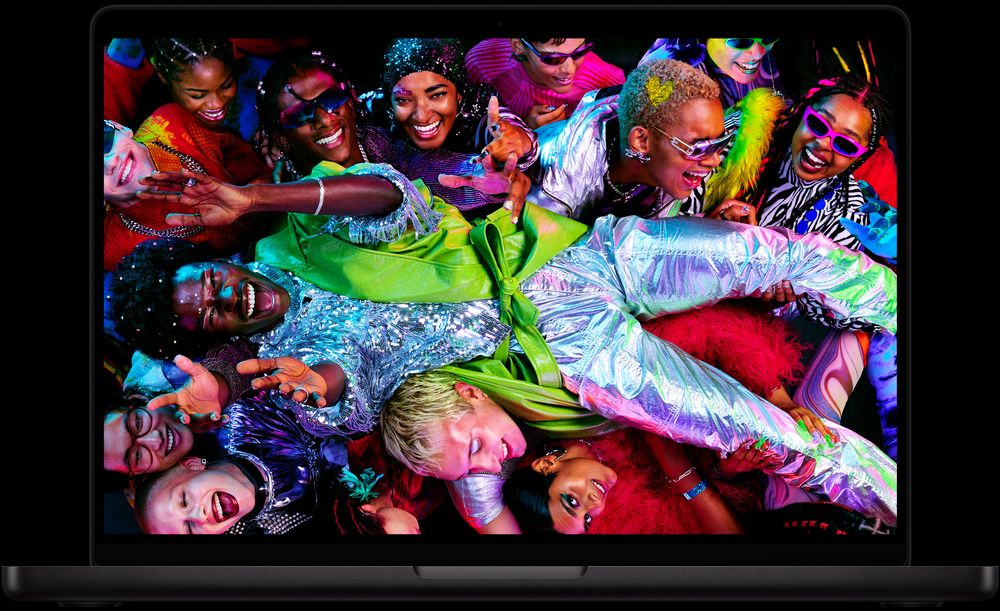
Go from the sunniest terrace to the darkest studio with ease. The eye-popping Liquid Retina XDR display offers 1600 nits peak HDR brightness. And it provides up to 1000 nits of brightness for SDR content in bright light so you can see what’s on your screen more clearly outside. In low-light situations, it dims to 1 nit so you can work comfortably in darker spaces.
1600 nits peak HDR brightness
Up to 1000 nits sustained HDR brightness
1,000,000:1 contrast ratio
Down to 1 nit brightness in dark environments
Up to 1000 nits peak SDR brightness
1 billion colors
Nano-texture display. Fewer reflections. More clarity. For those who work in particularly bright spaces — whether inside or out — the nano-texture option further reduces reflections and glare to eliminate distractions while maintaining an excellent viewing experience.
Exceptional contrast with Extreme Dynamic Range. MacBook Pro can maintain extreme brightness for HDR content, delivering outstanding contrast between the brilliant highlights and deep blacks.
ProMotion. Refresh, refined. ProMotion makes scrolling, gaming, and more feel superfluid and responsive. With refresh rates up to 120Hz, the display automatically adjusts to match the movement of content. Video editors can even choose a fixed refresh rate that precisely aligns with footage.
Multiple displays. Why limit yourself to one? If a project calls for larger canvases, you can connect up to two displays with M6, up to three with M5 Pro, or up to four with M5 Max. Both the immersive Studio Display and the advanced Studio Display XDR pair beautifully with MacBook Pro.
No compromises.
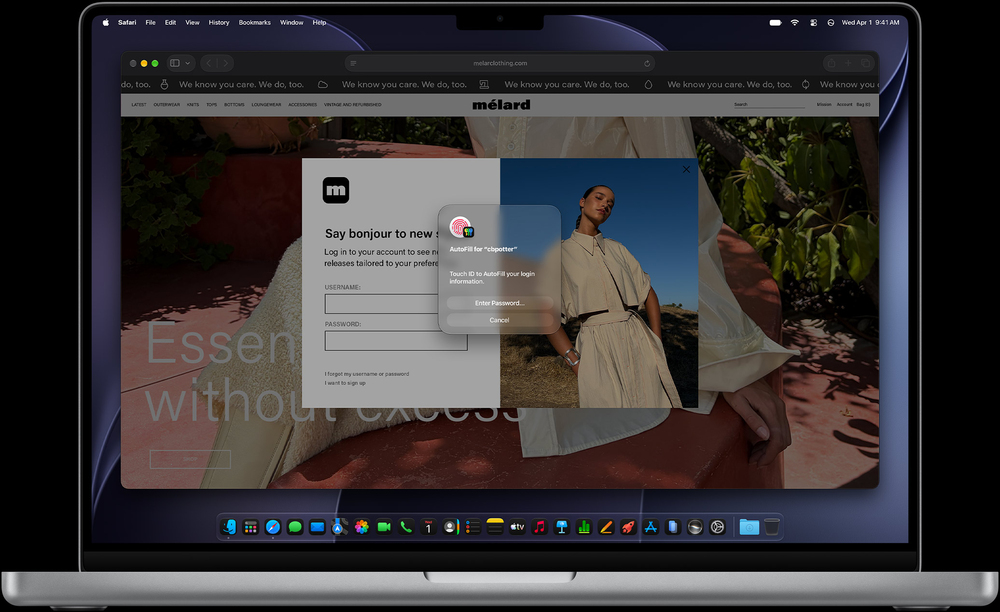
Security starts with Apple silicon and extends to the macOS architecture. This deep integration of hardware and software, along with automatic updates and built-in antivirus protection, helps keep MacBook Pro stable and secure for the long term. At the heart of MacBook Pro is the Secure Enclave, a dedicated security subsystem that’s separate from the main processor. It keeps your most sensitive data, like encryption keys and biometric information, fully isolated from the rest of the system — the same protection that powers Touch ID and Find My.




 Belgium